Use Apple’s system controls
FamilyControls and ManagedSettings protect selected apps, categories, and web domains at the system level instead of simulating blocking with an in-app overlay.
Design friction on purpose—before distraction gets the first move.
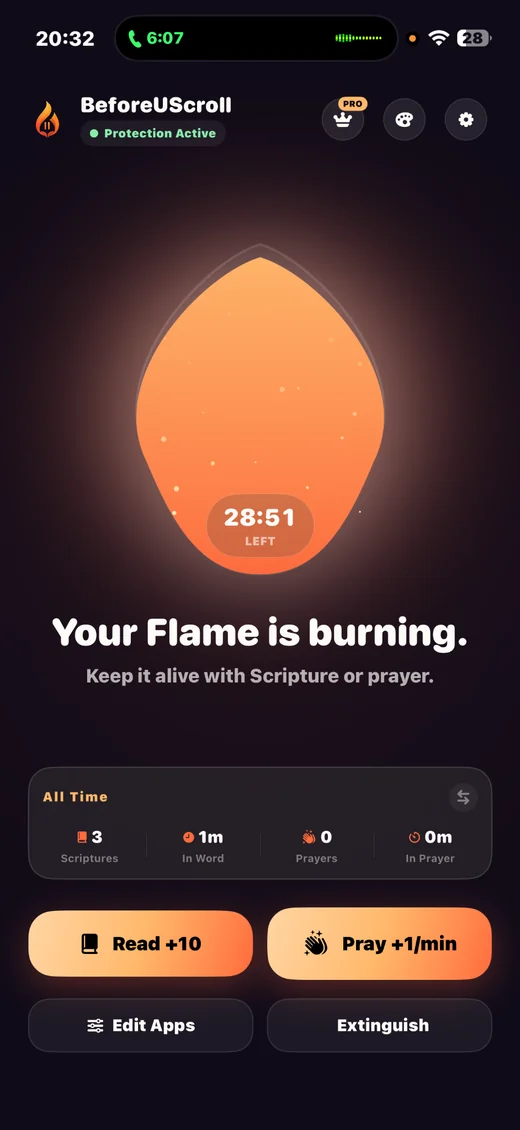
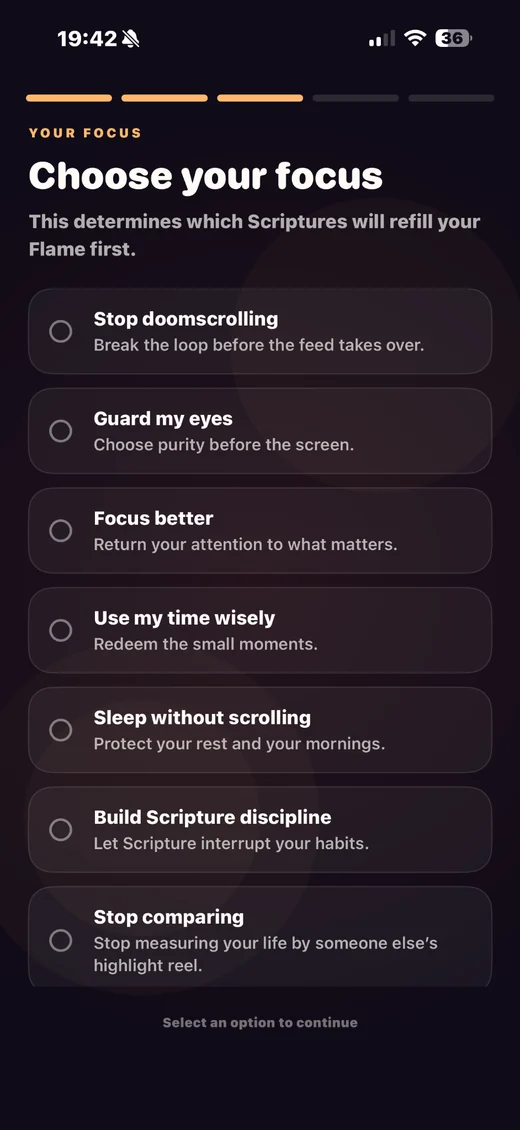
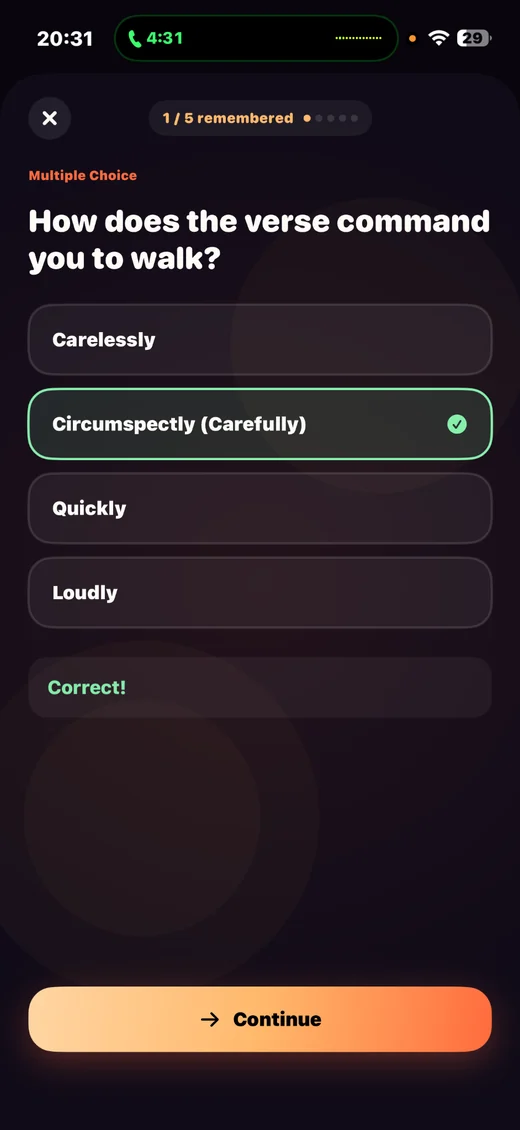
Product concept · interaction design · SwiftUI engineering · system extensions
Active native iOS product
2026
That behavior cannot live only inside a SwiftUI screen. It depends on Apple Screen Time authorization, Managed Settings shields, Device Activity monitoring, shared state, extension processes, and predictable unlock/relock behavior.
FamilyControls and ManagedSettings protect selected apps, categories, and web domains at the system level instead of simulating blocking with an in-app overlay.
An unlock stores an end date and DeviceActivity participates in reconciling the shield when the interval finishes.
A custom ShieldConfiguration explains why access is blocked and gives a deliberate path to prepare a recharge or stay locked.
Selection, unlock state, and shield behavior are coordinated across the main app and system extensions rather than existing only in transient view state.
The experience is distributed across the main app and multiple iOS extensions. That is more complex than an in-app timer, but it is what makes the intervention happen where distraction actually begins.
Have something complicated that needs to feel simple?